Personal project · 2026 · App Development
Visual Synth
A live visual instrument, played from a groovebox and built one sentence at a time.
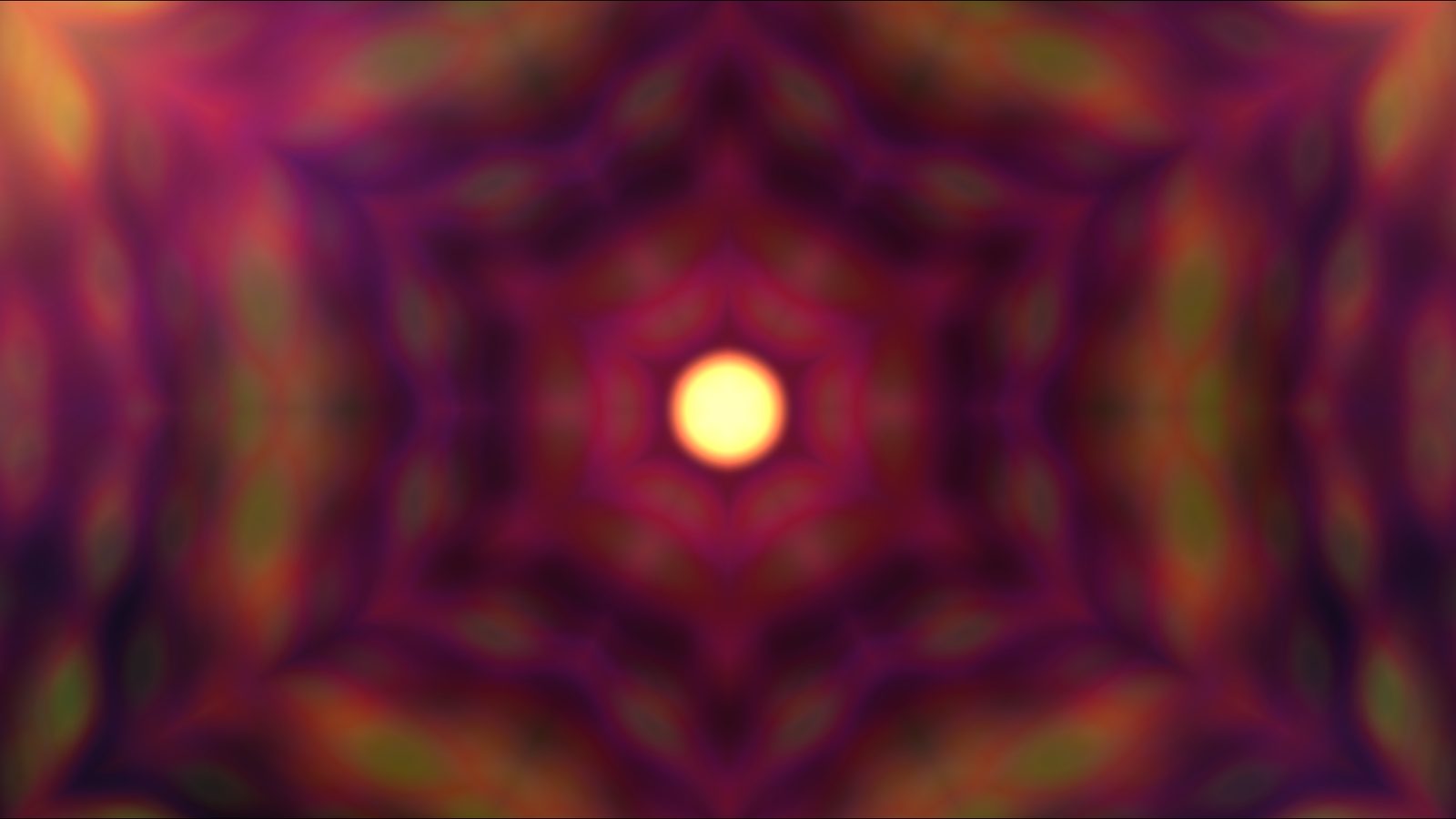
I perform electronic music live with a Roland MC-707 groovebox, and I wanted visuals that respond to the music the way a synth responds to keys. Visual Synth is the result: the 707 plays it like an instrument and the output goes to a projector. It was also an experiment in software on demand. Instead of adapting my set to someone else’s tool, I described what the performance needed one sentence at a time, and a coding agent built it, tested it and handed it back, usually within the hour.
Introduction
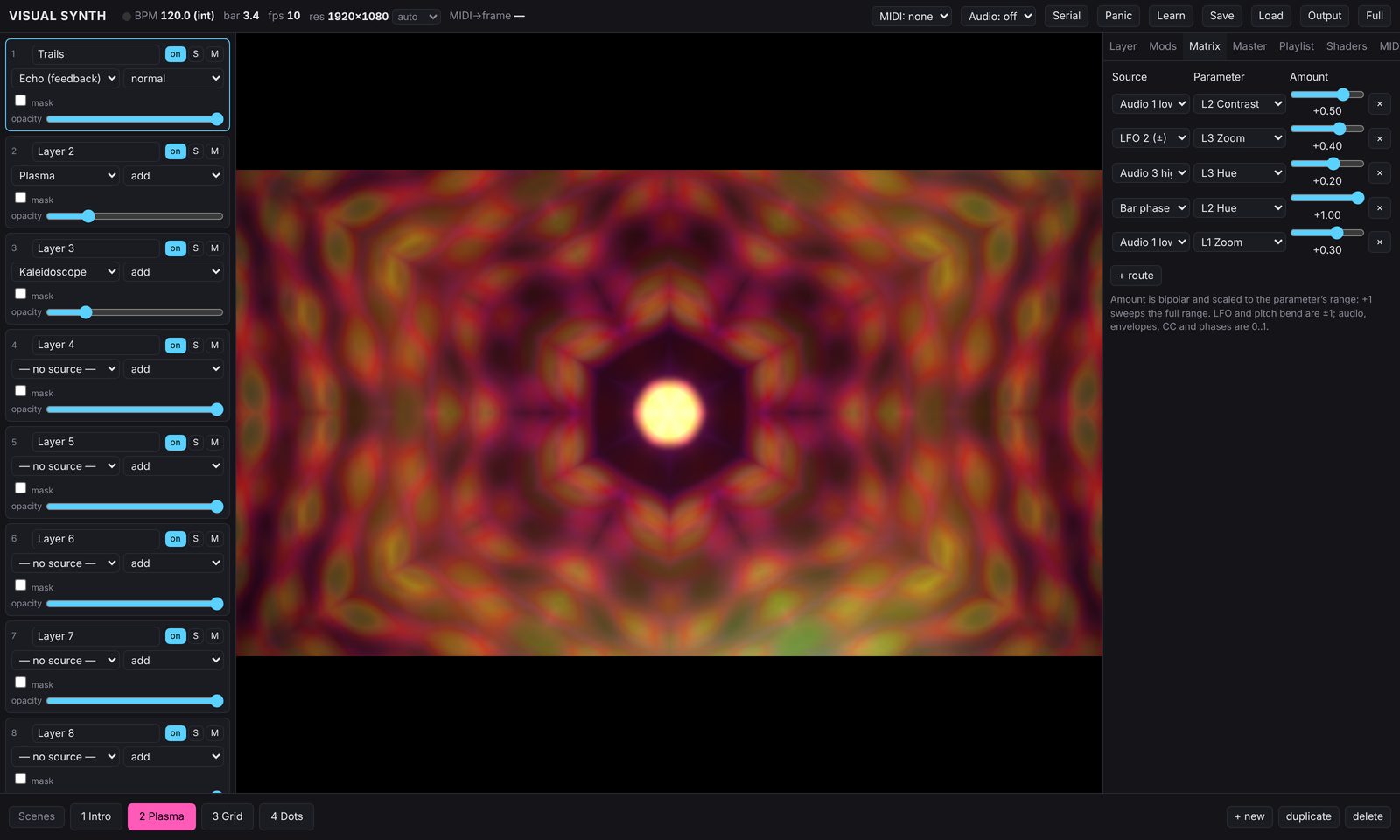
Most visual tools for live shows are either video players with effects or complex node editors. Neither felt right on stage. Since musicians already know how a synthesizer works, I felt the best approach was to borrow its mental model, using Imaginando’s VS as my reference.
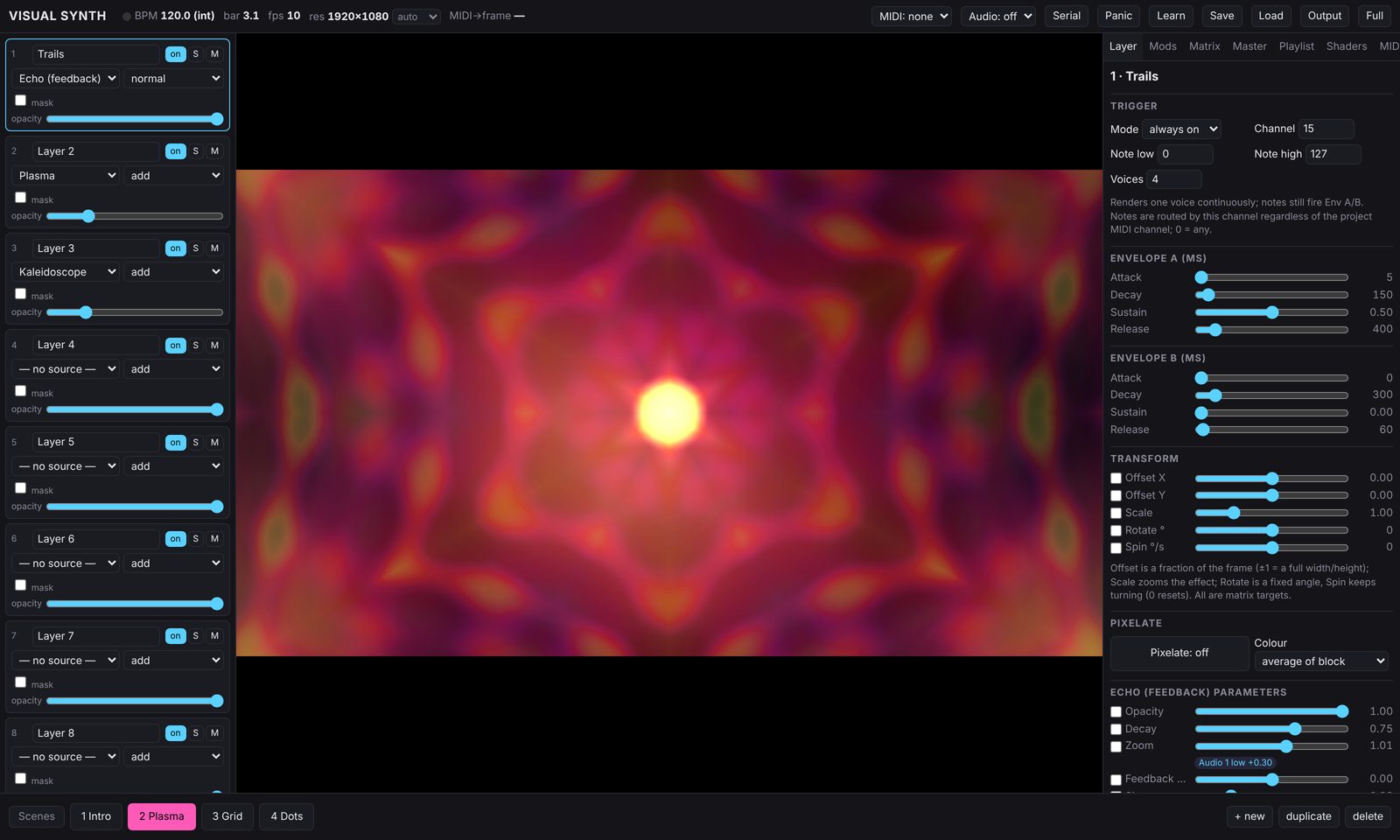
- Layers act like oscillators, each with a visual source: shaders, images, text or the webcam.
- Notes from the 707 trigger voices with attack, decay, sustain and release envelopes.
- LFOs lock to the 707’s clock, and audio followers track the live mix.
- Everything meets in one modulation matrix, so any source can drive any parameter.
Software on Demand
My starting idea was that the person with the problem is the right person to define the software, as long as asking is cheap enough. A VJ tool from a vendor has to serve thousands of users. This one only had to serve my set.
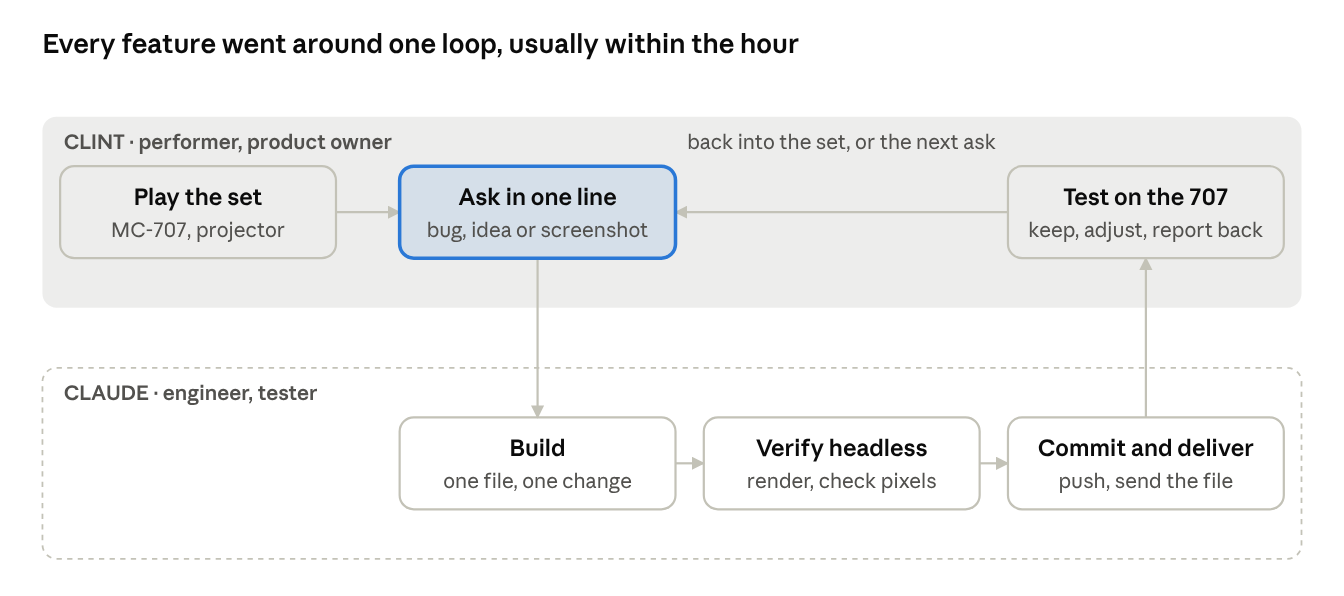
That changed what a feature was. A feature was a sentence I said at the keyboard, like “I’d like a way to set the fade in and out values when an image is triggered by a note”, and it existed before the next rehearsal. Nothing was planned beyond the next sentence. There was no roadmap, just a log of things a performer needed. Three things made that work:
- The agent held the whole system. Every ask landed with the full codebase and every earlier ask in view, so “include a rotate parameter for all effect types” needed no further explanation.
- Every change was checked before I saw it. Each build was rendered in a headless browser and its pixels checked, so a one-line ask didn’t mean a one-line risk.
- I stayed the performer. I never opened the code. My job was to notice, describe and judge. Everything between the sentence and the file was the agent’s job.
How We Worked
The project was one long conversation. I played, noticed and asked; Claude built, checked and sent back a file; I put it straight on the instrument. About fifty of those loops over three weeks produced the product, with no tickets, sprints or hand-offs. The loop closed fast enough that I never lost the rehearsal context: a problem I spotted at the keyboard was usually fixed before I finished the next pattern.
Here are some of my actual asks, word for word, and what came back. The pattern is the point: a sentence in, a tested build out, and the next sentence shaped by what I saw on the instrument.
| What I said | What Claude did | What came back |
|---|---|---|
| “the rotation is 0, but the image is offset in rotation?” (with a screenshot) | Found that modulation was being applied invisibly, and added live readouts of every modulated value | A value beside each slider showing what the LFO is actually doing |
| “images assigned after the 3rd note only display on the preview screen and not the second monitor” | Rebuilt my two-window setup headless and traced the bug to the output window having no folder permission | The output window now asks the control window for the file, and the fix shipped with its repro script |
| “for always on mode, the image should not fade away when the user lets go of the key” | Changed the voice model: hold on release, crossfade on change | A rule that later carried words, grids and the camera unchanged |
| “columns and rows… should be int values (range 2-32)” | Tightened the parameter model: integer sliders and integer display everywhere | One rule applied to every integer parameter, not just that one |
| “i’m seeing too many overlaps” (screenshot of a packed word grid) | Found two causes: forced placements overwriting letters, and a file with no commas read as one word per line | A no-overlap layout and a “split entries into words” option |
| “can we improve the performance of plexus. it is very resource intensive” | Profiled it, moved node geometry to the CPU once per frame, and gave the shader a lookup table | The heaviest effect became almost free, and the same fix then sped up the webcam version |
| “when quick switching between scenes the rotation was screwed up” | Found per-layer state surviving scene changes | A scene recall now resets spin, clocks and sequencer state |
Who Owned What
The split was clear from the first message and never blurred. I decided what the instrument should do and judged it with my hands; Claude decided how to build it and proved it worked before I saw it.
| Me | Claude |
|---|---|
| The product idea and the reference (Imaginando VS) | The engine model: layers, voices, envelopes, modulation matrix |
| Every feature ask, in one line, in my own words | Turning each line into a scoped change, and asking back only when a wrong guess would be expensive |
| Bug reports as screenshots and symptoms | Reproducing the symptom, finding the cause, and fixing the whole class of bug rather than the one instance |
| Priorities: memory first, then the desktop app, then performance | Options with trade-offs and a recommendation |
| Testing on the real rig: MC-707, projector, webcam, Arduino | Rendering frames headless and checking the pixels before every delivery |
| Taste: “the effect isn’t bad, but would be better if…” | A commit per change, the file sent back each time, the tests kept green |
| Hardware reality: my GPU report and an old Linux laptop | Defaults sized to the GPU, Linux build scripts, and honest limits (“not viable on this GPU”) |
What It Does
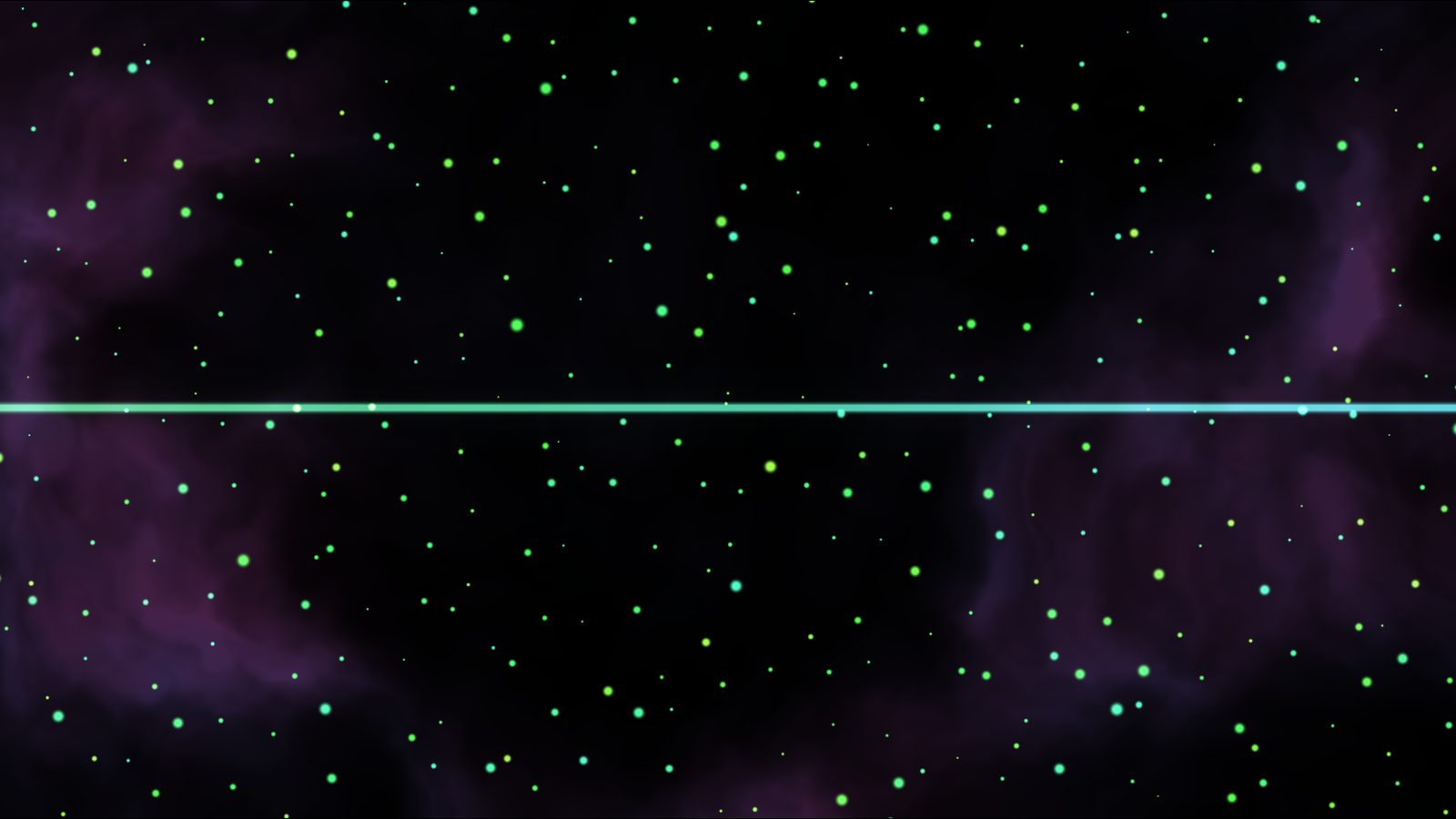
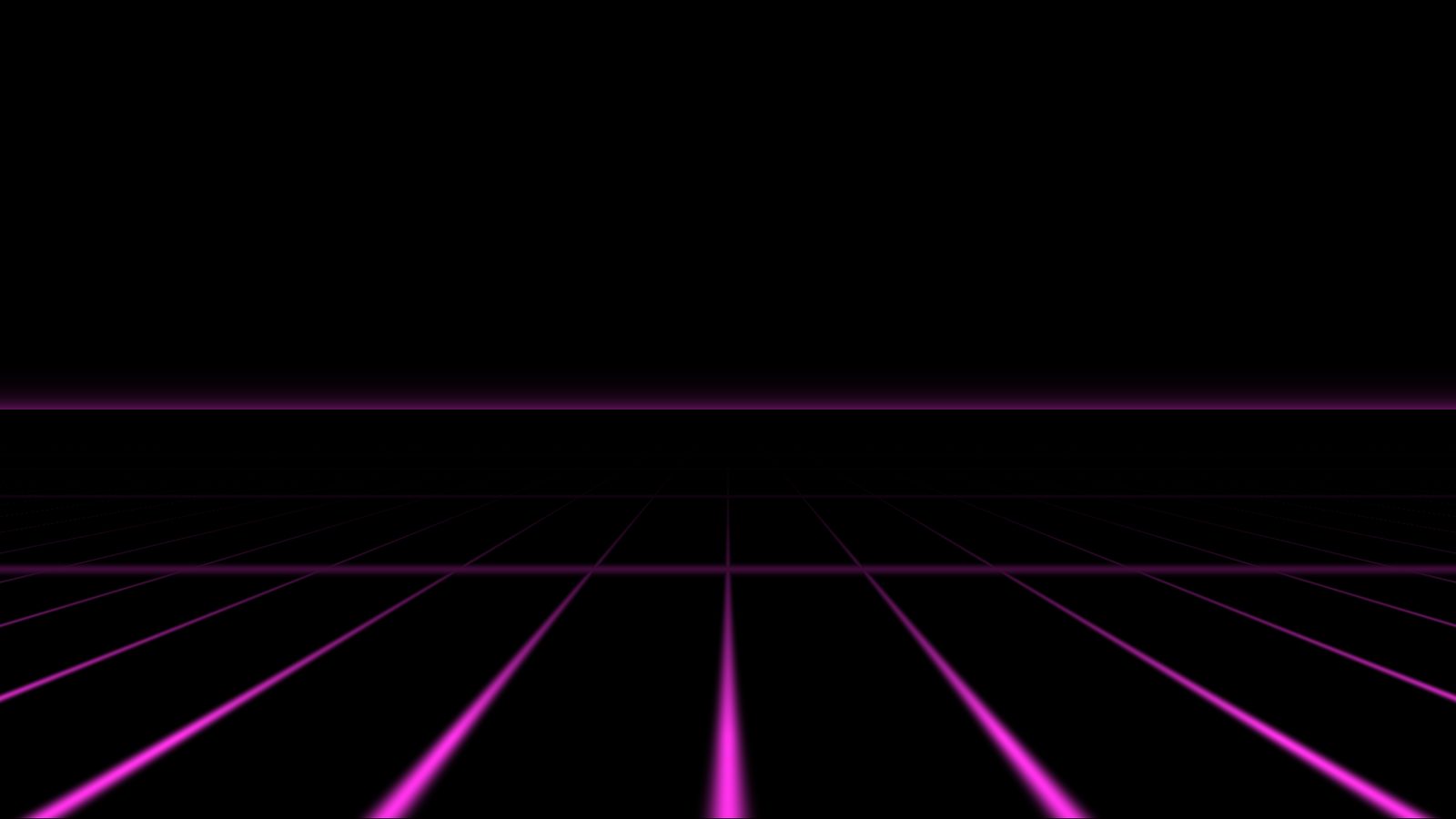
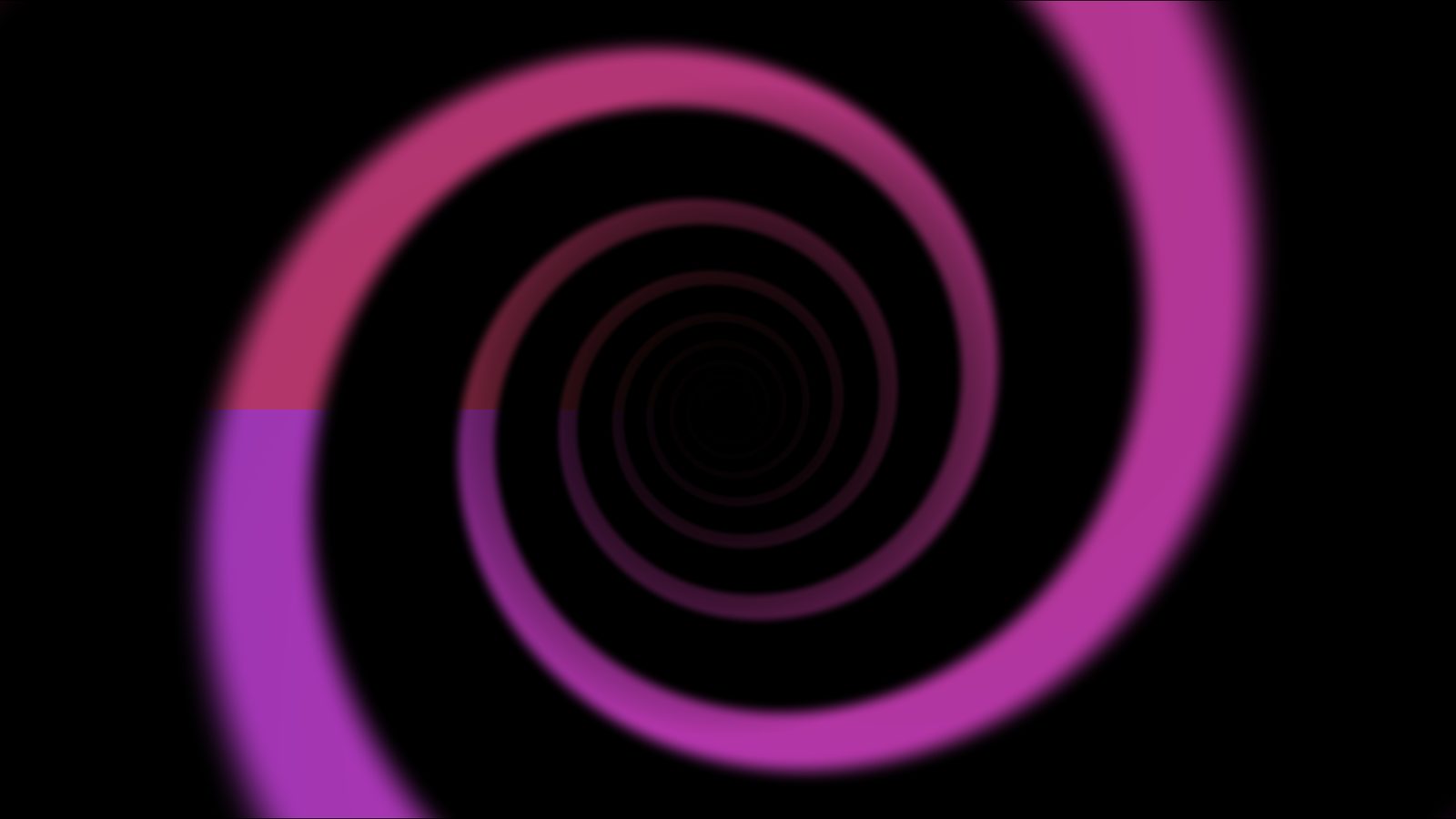
- Sources: generative shaders (plasma, tunnel, kaleidoscope, plexus, clouds, arcs, dots, oscilloscope), images, text, the webcam, and any Shadertoy shader pasted in.
- Playable images and words: one image or word per key, 2 to 3 note chords, velocity depth per parameter and fade in and out. A word grid lays text out like a crossword and lights up words or letters per key.
- Modulation: 2 envelopes per layer, 4 clock-synced LFOs, 4 audio followers, per-parameter jitter, MIDI learn on anything, and high-resolution controls from an Arduino over serial.
- Composition: 8 layers with blend modes, pixelate per layer and on the master, transforms, and mask layers.
- Performance: scenes, a playlist driven by program changes, a panic button, factory reset, a MIDI monitor, and live readouts of every modulated value.
- Delivery: a single HTML file, or a desktop app (Windows, macOS, Linux) with a light control window on the laptop and a full-resolution output window on the projector.
What Worked
- One line was enough. “Effects need an x and y offset” came back as finished, tested controls. After the first one, I never wrote a ticket or a spec.
- Screenshots as bug reports. A picture of the panel and one question was a complete problem statement.
- Reproduce, then fix the class. When images stopped reaching the output window, the agent rebuilt my setup, found the real cause and fixed every case, not just the one I hit.
- Options with a recommendation. For memory, the depth camera and the old laptop, I got the trade-offs and a clear pick, including “not viable on this GPU”, rather than a build I’d have to throw away.
- Measuring instead of guessing. My question about caching was answered with a profile, which pointed at a culprit nobody suspected.
- Momentum. A commit and a fresh file after every change meant I always had a working instrument between rehearsals.
What Didn’t
- The first build wasn’t a build. My opening request produced a spec and a kickoff plan instead of the app. I had to say “I want you to build the HTML file.” Lesson: name the deliverable, not just the goal.
- My words were more ambiguous than I thought. “Invert” meant one thing to me and a colour negative to the agent, and “fade” meant different things in different modes. Each cost an extra loop, and each time it was my sentence that was missing.
- Defaults hid features. An image didn’t show because the layer was MIDI-triggered by default. An agent builds what you ask for; discoverability still has to be asked for.
- Regressions slipped through. The automated checks caught rendering problems, not UI structure. A text box went missing in one mode and stray labels appeared. I was the UI test, and sometimes the only one.
- The agent couldn’t see my rig. Desktop windows, the webcam and real GPU frame rates couldn’t be tested where it worked, so some fixes took two rounds.
- Performance came late. Frame rate only became a topic when I reported 25 fps. A performance budget stated up front would have saved a rewrite.
Conclusion
The best features came from a moment on stage, described in plain words and built minutes later. No intermediary would have carried that intent intact, so I think the performer is a legitimate product owner. But precision is the designer’s job more than ever: the agent was exactly as good as the ask, and every wasted loop traced back to a word I used loosely.
My main takeaway is that software on demand changes what you attempt. A plexus shader, a crossword word grid, an Arduino protocol, a performance rewrite: on my own each would be a project. Here each was an afternoon, so I tried all of them and kept the ones that played well.